Image to Video AI for Photos, Artwork, and Characters
Upload a still image and animate it with AI. Animation AI helps creators turn photos, character art, product visuals, and storyboards into short motion clips with clear motion prompts.
Target keywords
Core demo
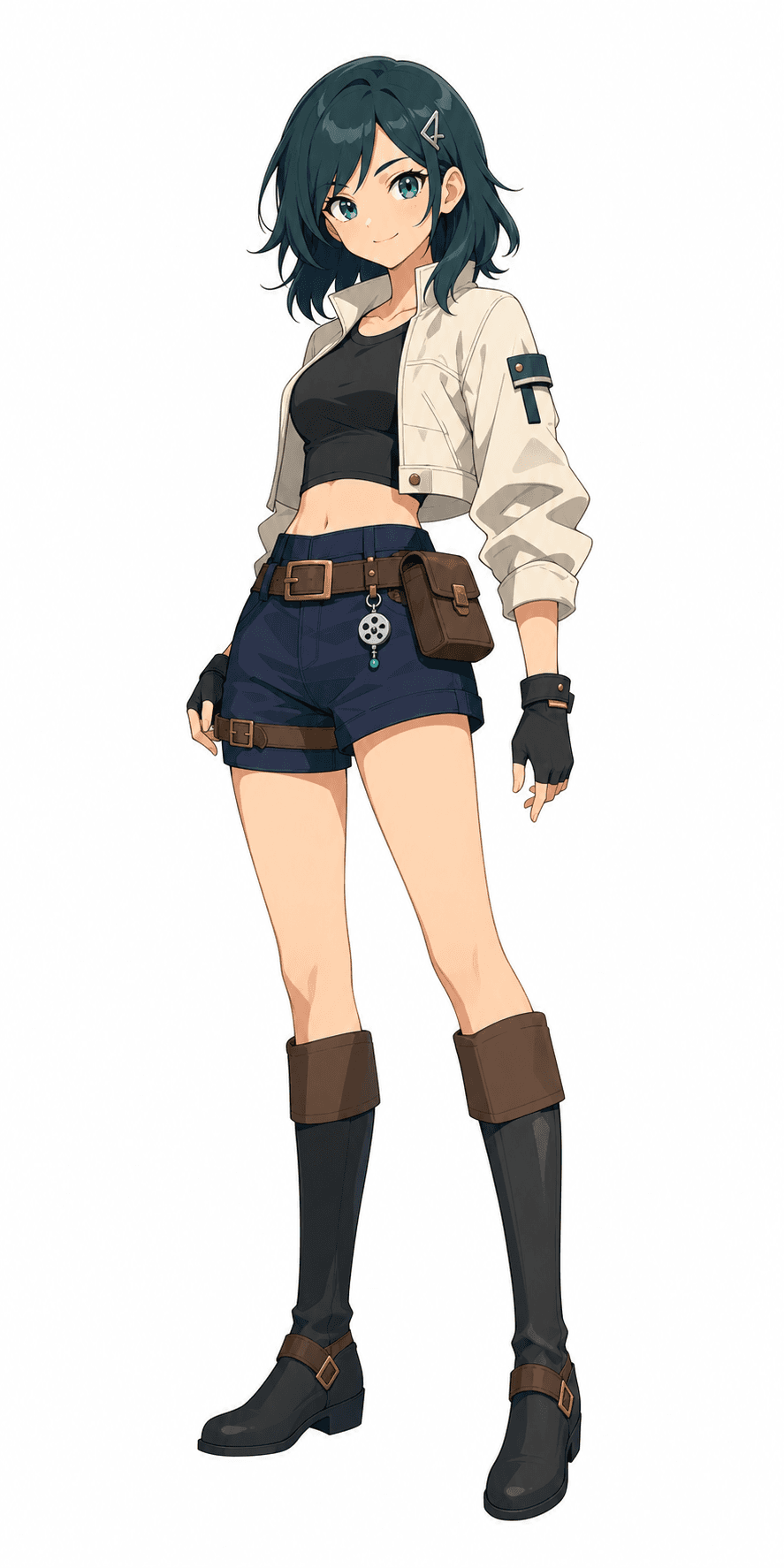 Input
InputDefinition
What is image to video AI?
Image to video AI turns a still image into a moving video clip. You upload a photo, illustration, character sheet, or product visual, then describe the motion you want: camera movement, subject action, environmental movement, and animation style.
How it works
How to animate a still image
- 1
Upload a clear image
Use a sharp image with a visible subject. Photos, character art, concept art, and clean product visuals work better than cluttered screenshots.
- 2
Describe the motion
Tell the AI what should move: hair, clothing, camera, background, facial expression, lighting, or object motion.
- 3
Choose video settings
Select a model, aspect ratio, duration, and supported generation options based on where the video will be used.
- 4
Generate and compare
Use the output to evaluate whether the image identity, pose, and motion direction match the creative goal.
Generation checklist
What makes a strong image to video input
Readable subject
Choose an image where the character, product, or scene is easy to identify. Image to video AI performs better when the subject is not hidden behind busy backgrounds or heavy text.
Motion priority
Decide which parts should move first: camera, hair, clothing, water, clouds, facial expression, or object rotation. One or two priorities are usually stronger than a long motion list.
Identity preservation
If the image is a character, mention what should stay consistent, such as face shape, outfit, color palette, or pose. This helps an AI image animation generator protect the original design.
Output use case
Write for the final format. A social clip may need a bolder camera move, while a product landing page animation may need subtle motion and a cleaner background.
Example prompts
Motion prompt examples
Character portrait
Subtle head turn, hair moving in a light breeze, soft blinking, slow push-in camera, cinematic anime lighting.
Product visual
Slow rotating camera around the product, soft studio reflections, clean background, premium commercial style.
Landscape photo
Clouds drifting slowly, water rippling, gentle camera pan from left to right, warm sunset atmosphere.
FAQ
Image to video FAQ
What images work best for image to video AI?
Clear images with a visible subject work best. Character portraits, product photos, illustrations, and clean storyboard frames are strong starting points.
Can I animate a photo with AI?
Yes. Upload the photo and describe natural motion such as a camera push-in, hair movement, blinking, lighting changes, or background motion.
Will the video keep the original character?
The uploaded image guides the output, but large motion changes can alter details. Subtle motion usually preserves identity better than extreme pose changes.
Where do I start generating?
Use the Create page with Image to Video selected. The CTA on this page opens /create?mode=image-to-video.